
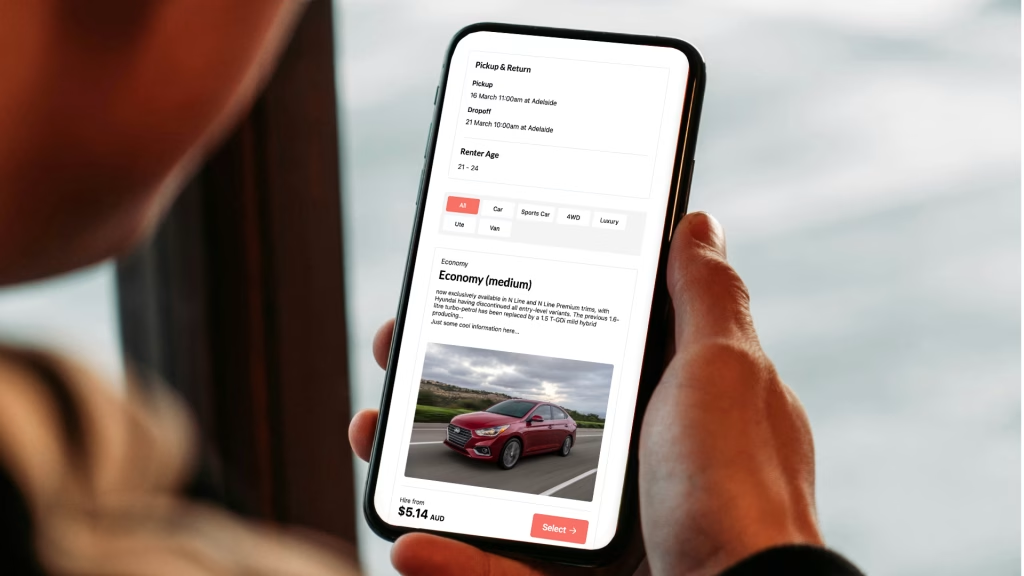
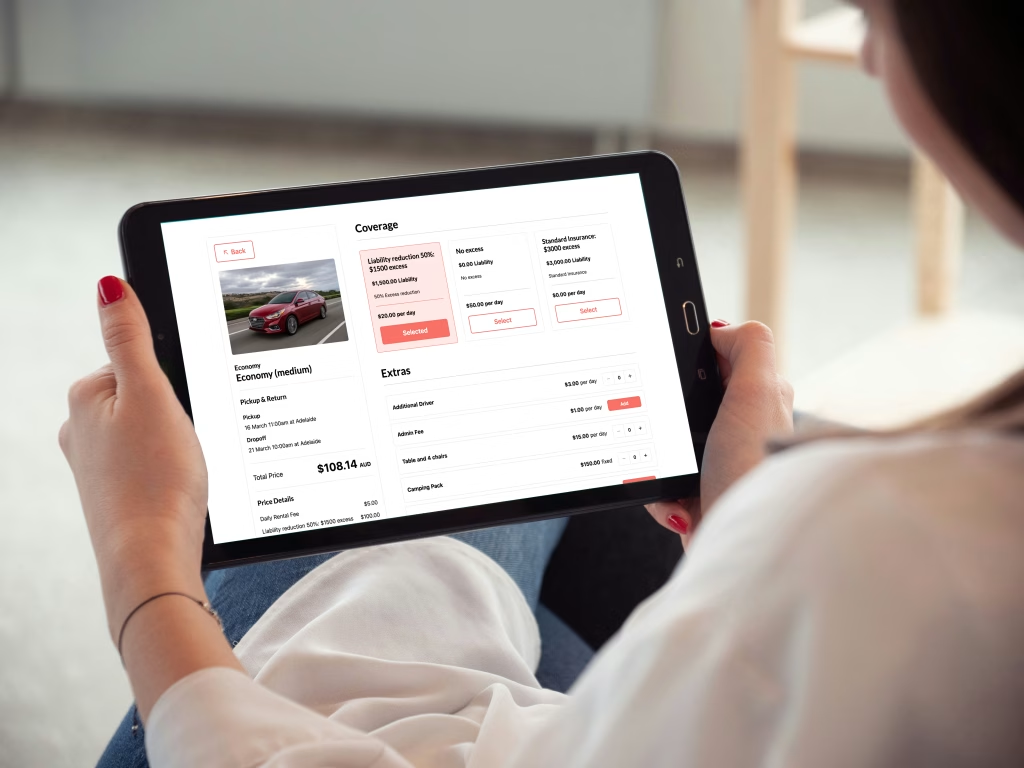
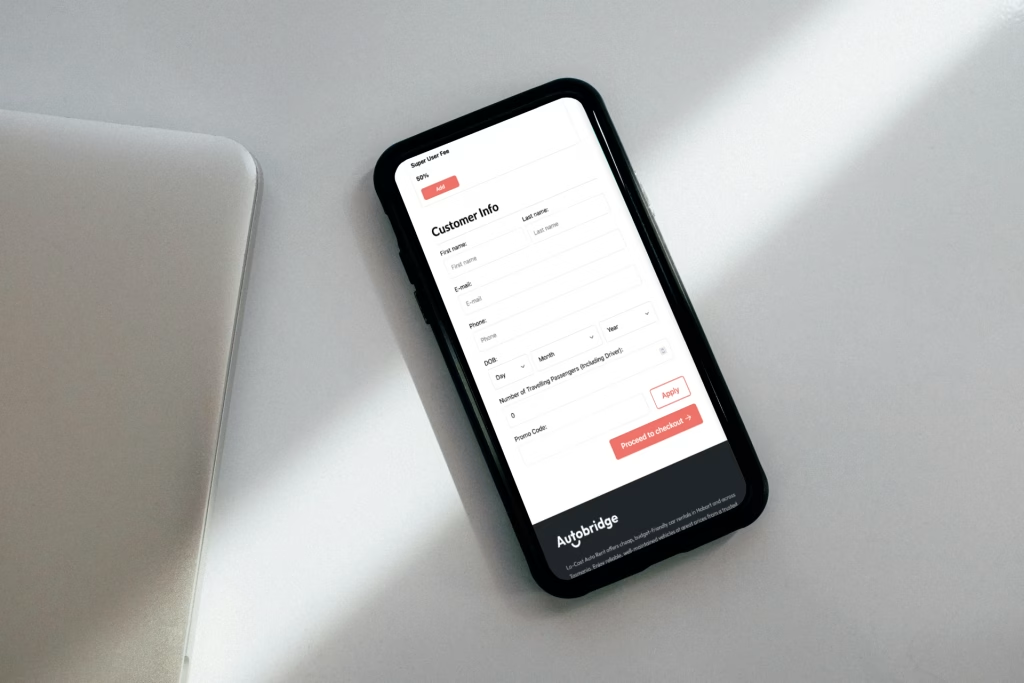
Drop the Autobridge block onto any page and your customers get a seamless, multi-step booking experience that inherits your site's design. No iframes. No jarring context switches. Just a clean flow from search to confirmation.
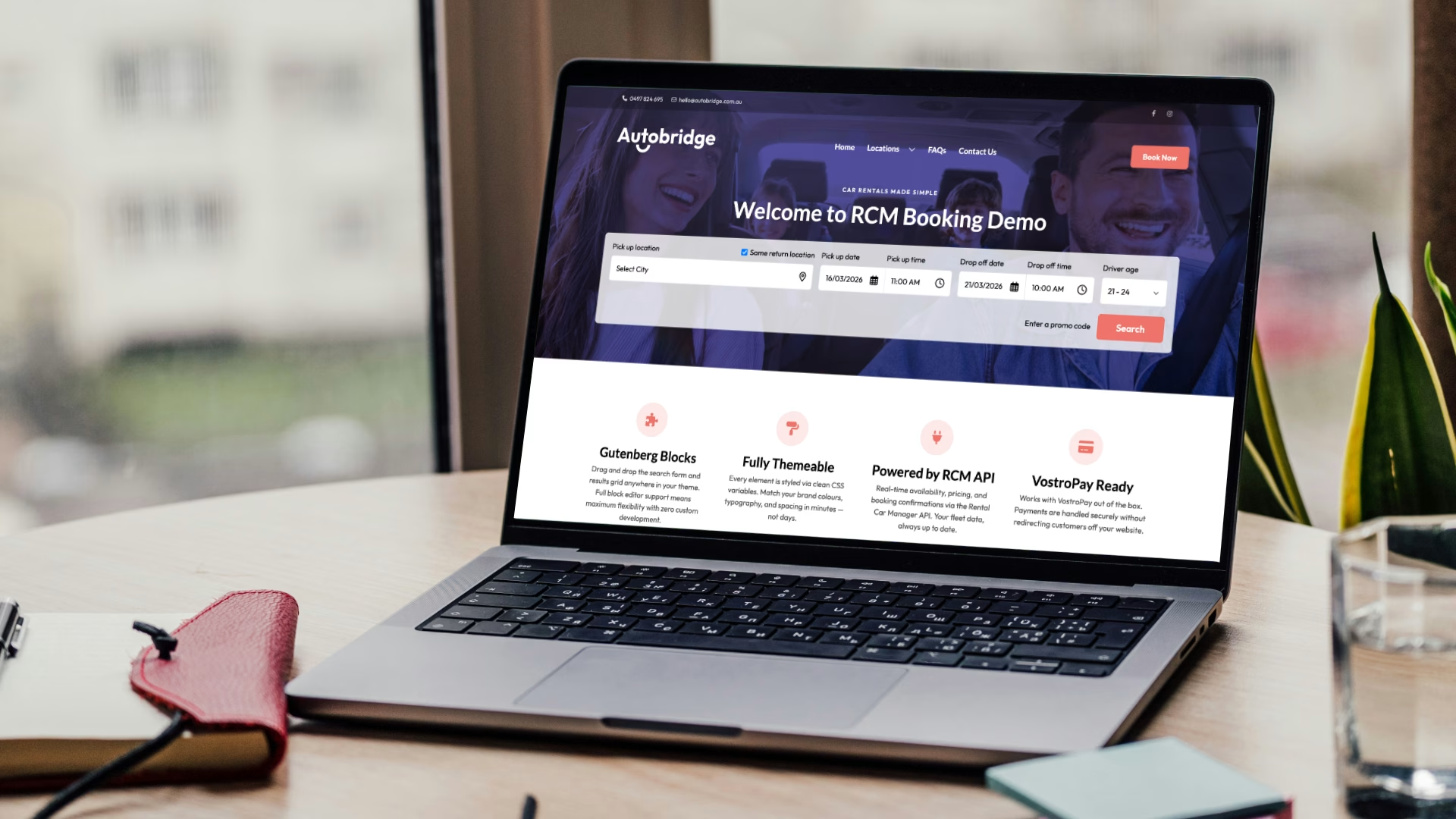
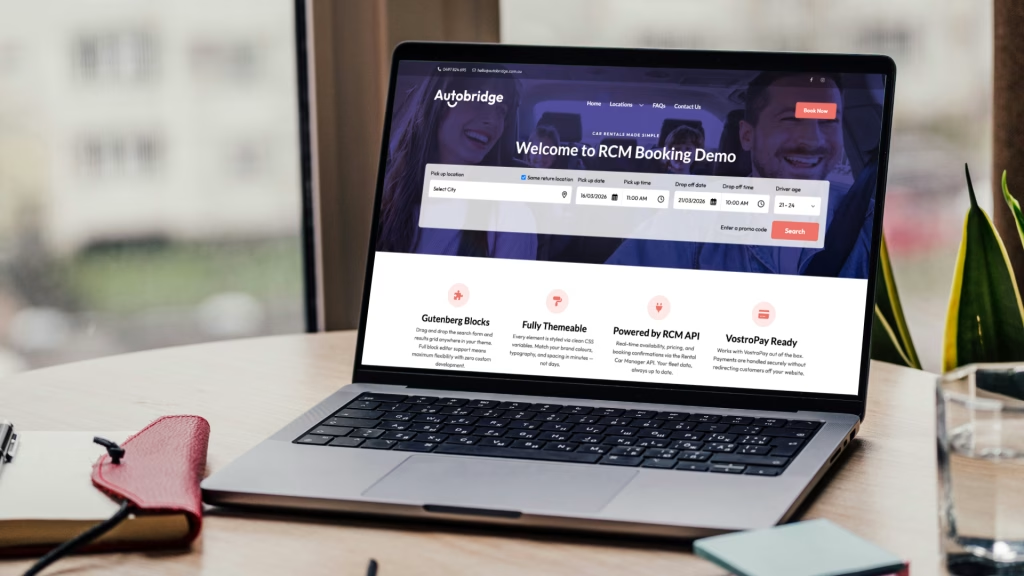
Drag and drop the search form and results grid anywhere in your theme. Full block editor support means maximum flexibility with zero custom development.
Every element is styled via clean CSS variables. Match your brand colours, typography, and spacing in minutes, not days.
Works with VostroPay out of the box. Payments are handled securely without redirecting customers off your website.
Real-time availability, pricing, and booking confirmations via the Rental Car Manager API. Your fleet data, always up to date.
No redirects. No pop-ups. No iframes. The entire browse-to-book journey happens within your website, building trust and reducing drop-off.
Install like any WordPress plugin, connect your RCM API credentials, add the blocks, done. No server configuration or custom code required.
From search to booking confirmation, all within your website.
Upload and activate RCM Connect via the standard WordPress plugin installer.
Enter your Rental Car Manager API credentials in the plugin settings. That's the hard part done.
Drop the RCM Search and Vehicle Grid blocks into any page using the Gutenberg editor.
Adjust colours and layout via the block settings or CSS variables to match your brand, then go live.
RCM Connect is available for car rental companies currently using Rental Car Manager. Reach out and one of our team will get you up and running.