
Autobridge now connects your RCM booking flow with a self check-in experience, giving your customers the flexibility to confirm their details before they arrive, or right at your counter via a dedicated kiosk.
An automated message directs the customer to their personalised check-in link ahead of their scheduled pickup, or they approach the kiosk on arrival.
The customer takes a photo of their licence using their phone or the kiosk camera. No manual typing required.
Autobridge reads the licence automatically and populates name, licence number, expiry, and other key fields straight into RCM.
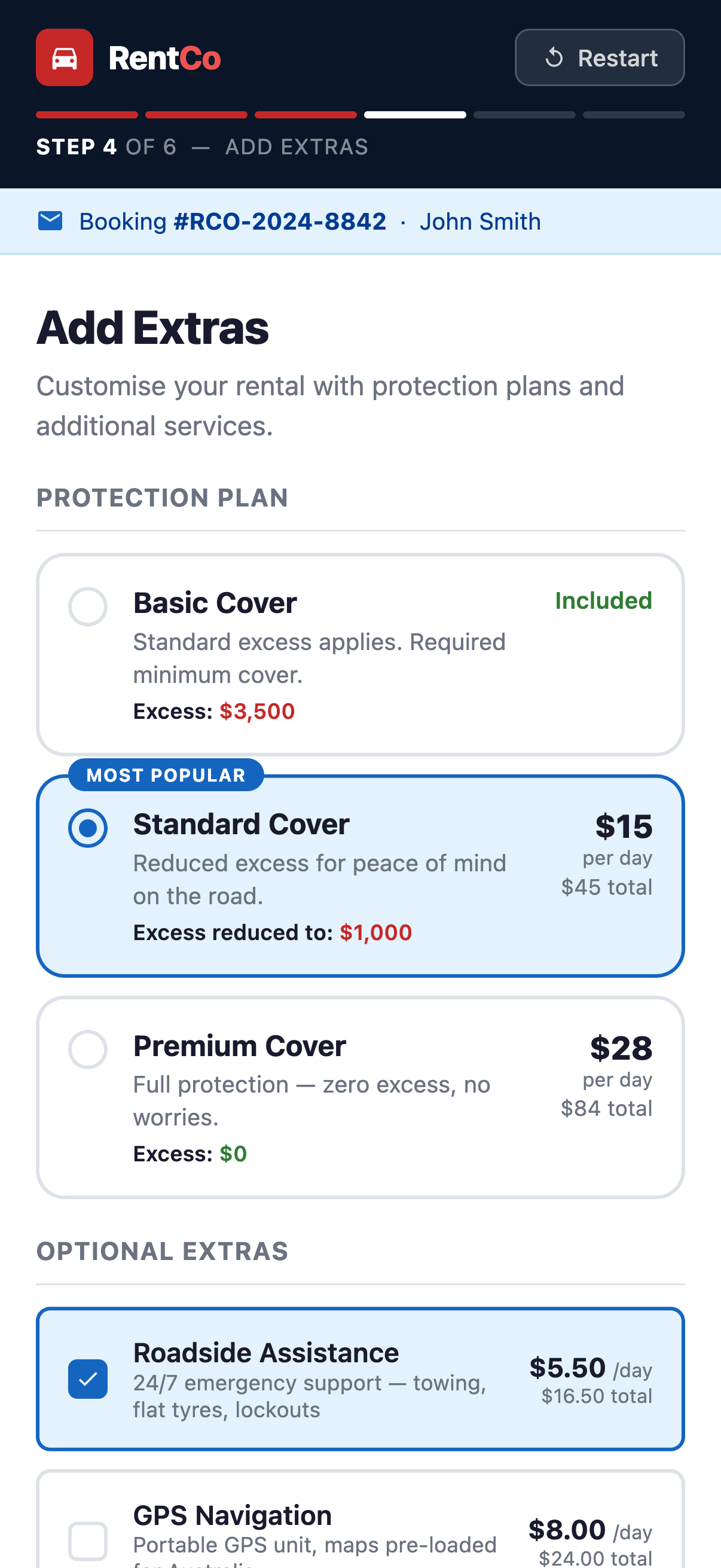
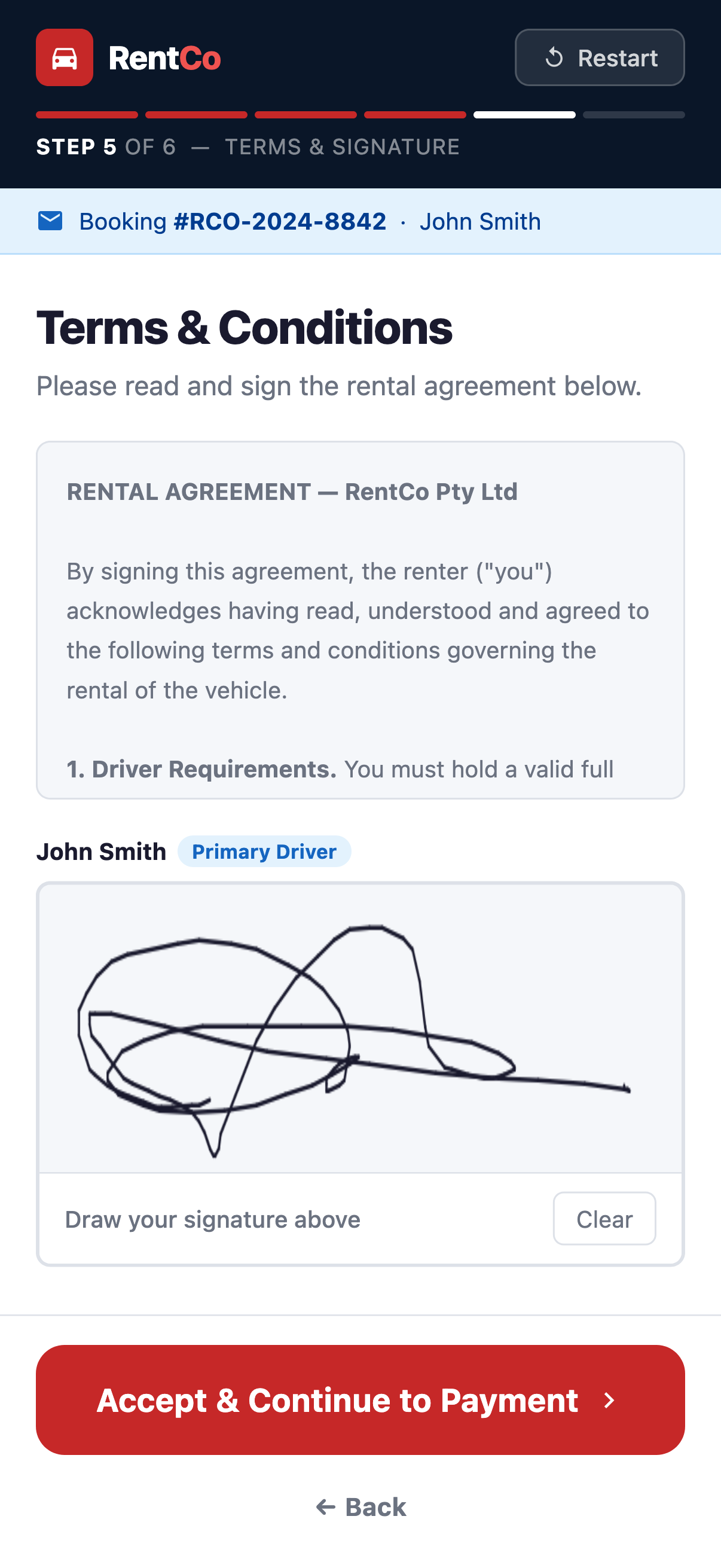
They review insurance cover, add extra drivers, select any add-ons, and confirm their final booking details — all without staff involvement.
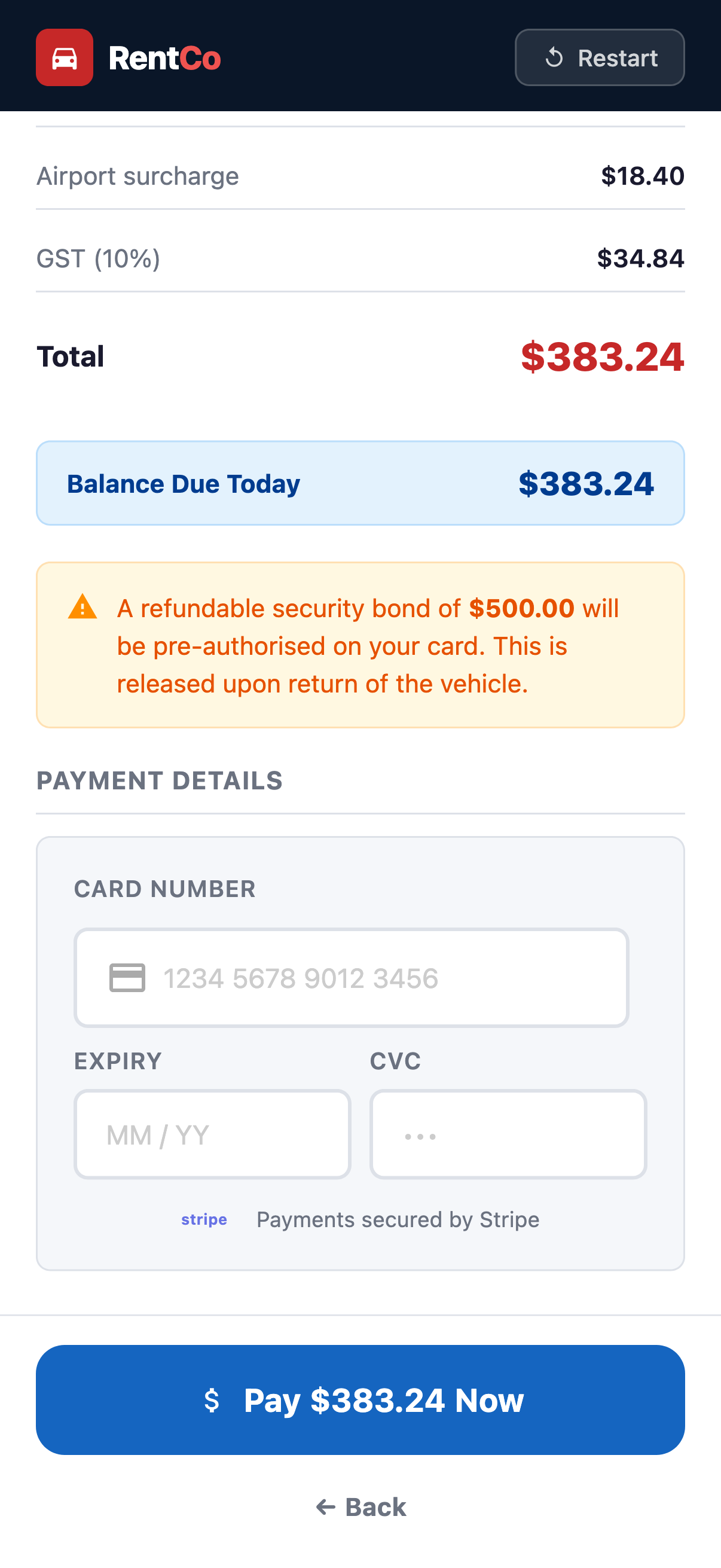
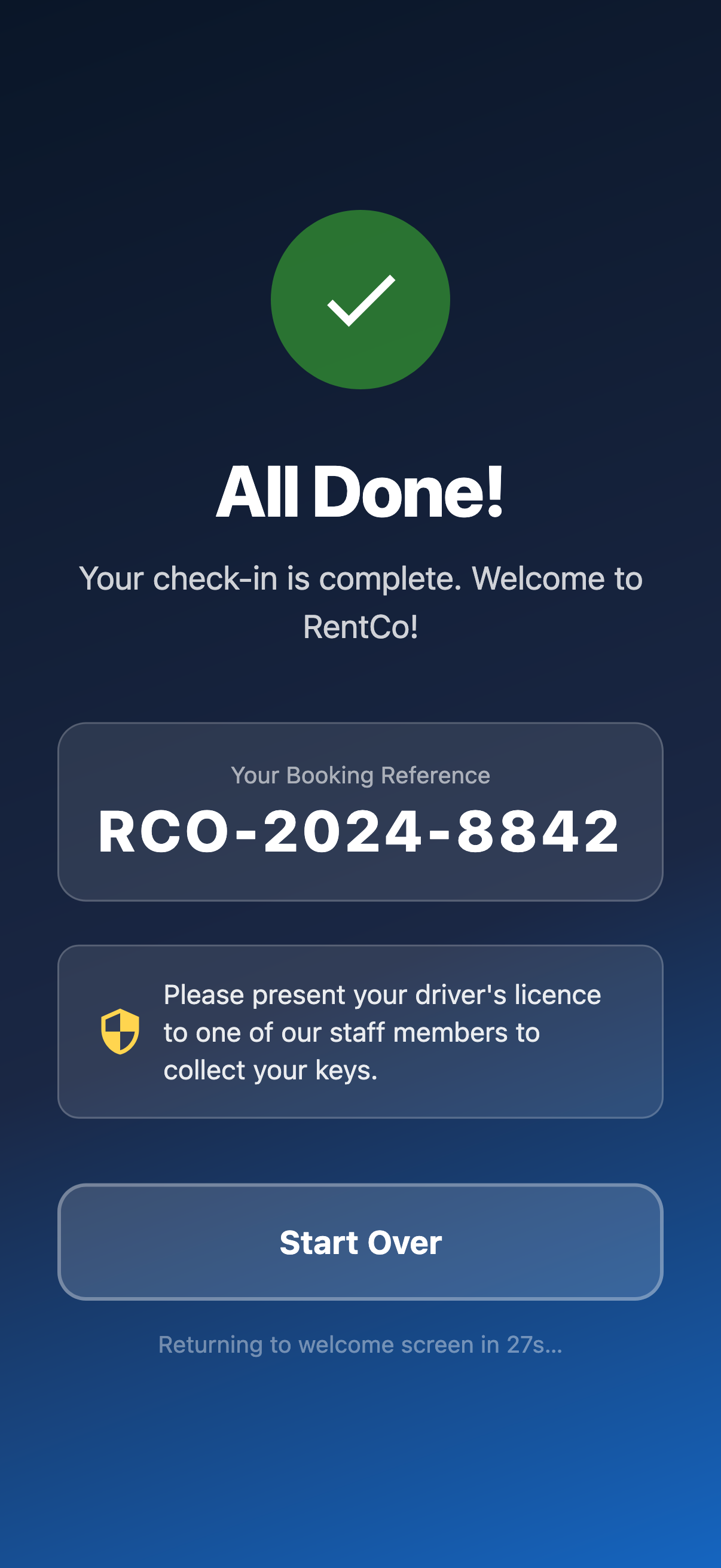
By the time the customer arrives at the counter, their record in RCM is complete and ready. Your team can skip the data entry and focus on the handover.
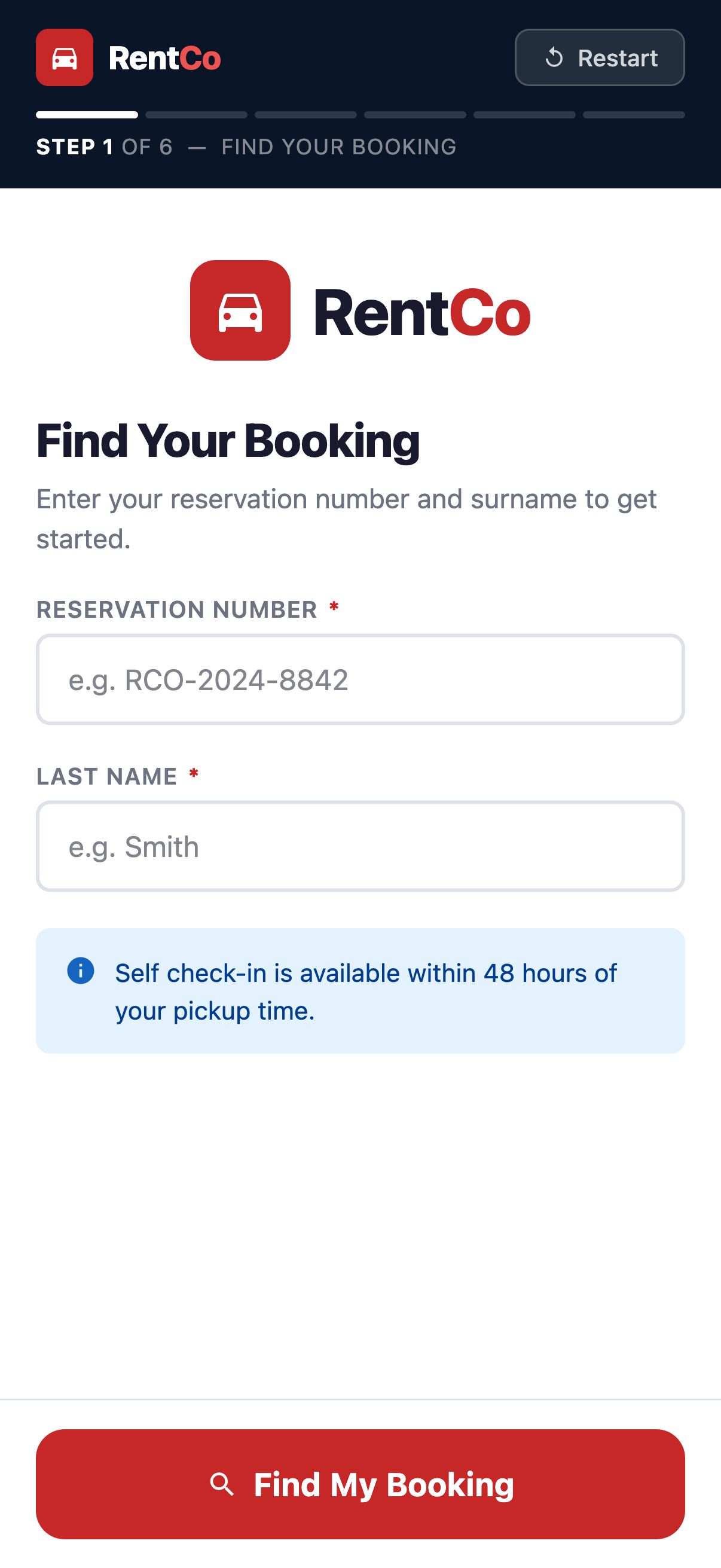
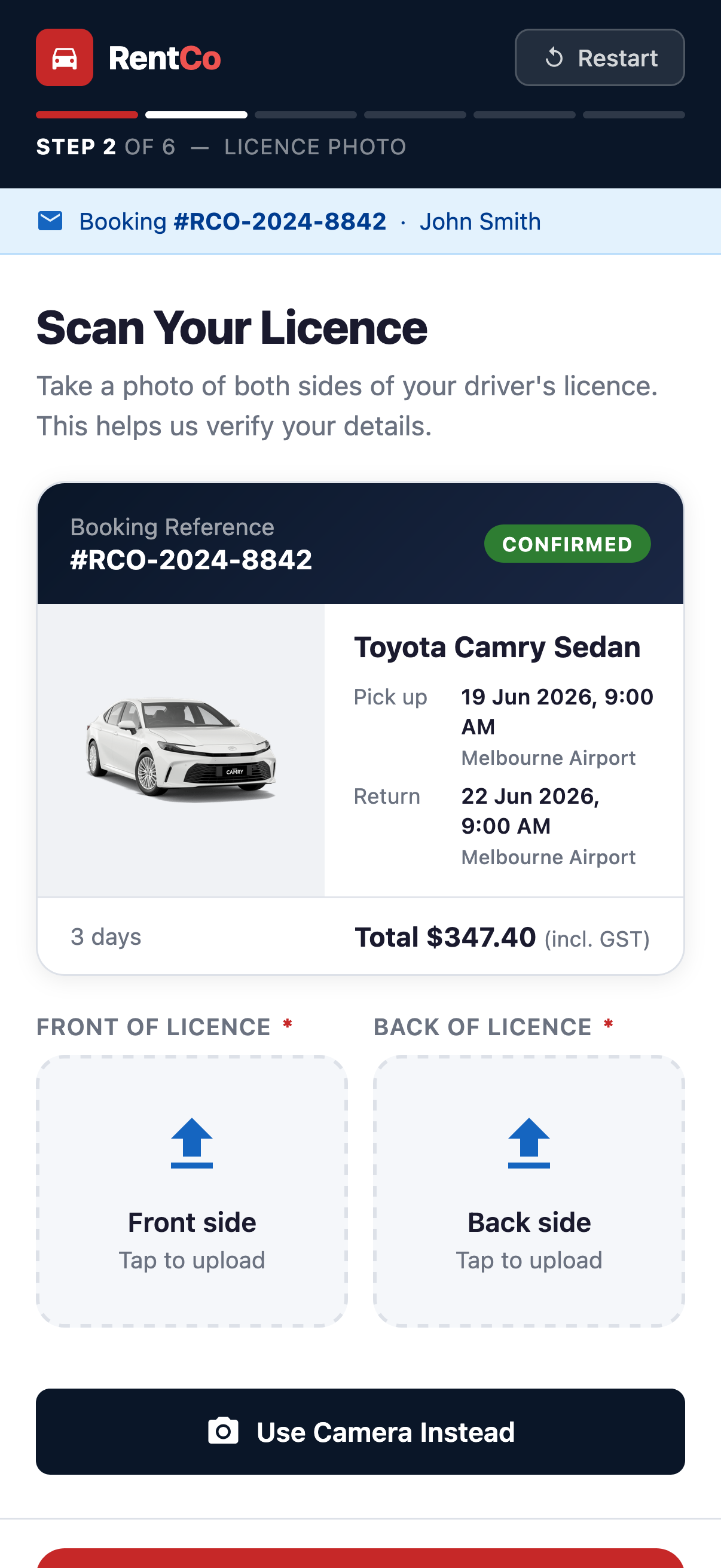
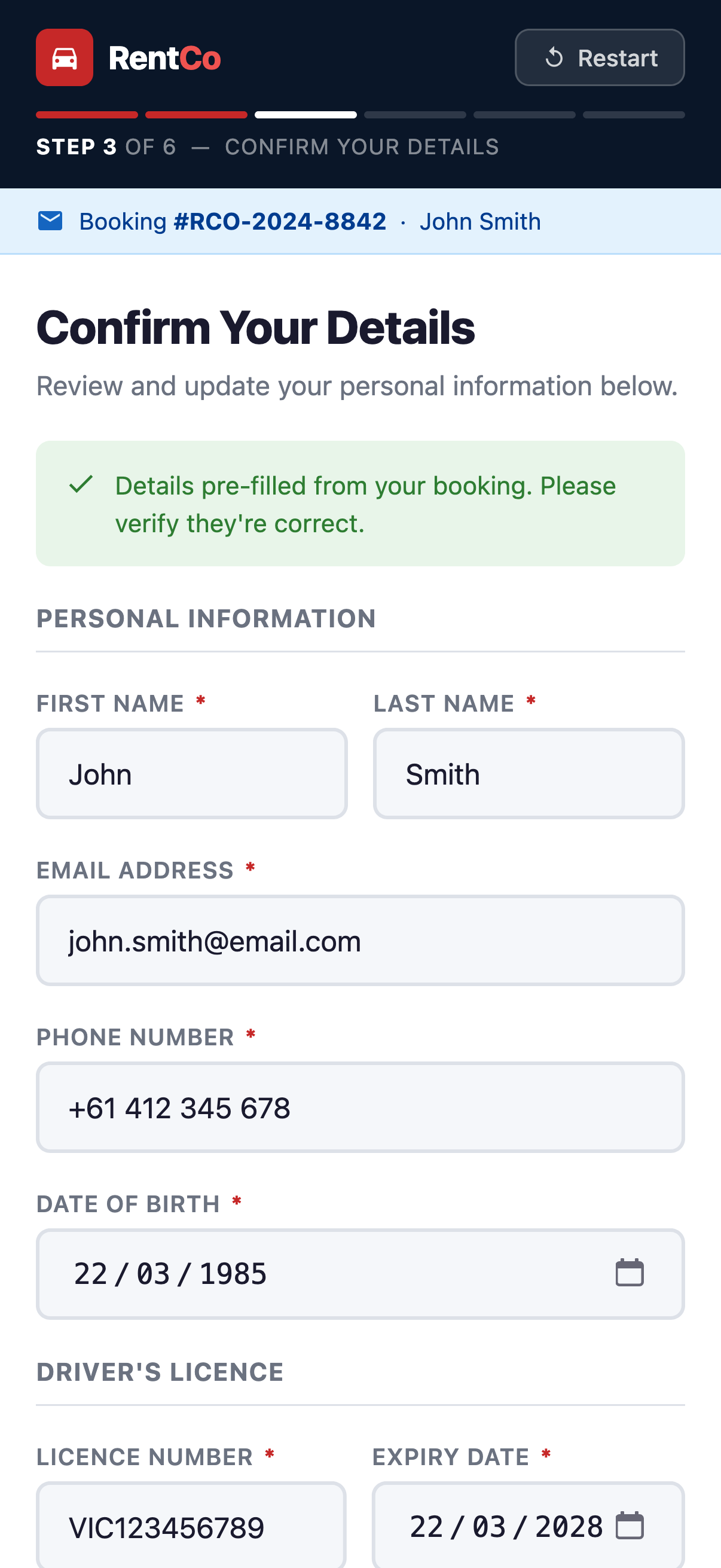
One of the biggest time sinks for our team is scanning drivers licences and then manually copying the details into the system. Autobridge's self check-in kiosk and web page lets customers take care of the process themselves, but if our team still needs to do it, they now have a streamlined interface for taking photos and auto-filling licence information. The time saved is significant.
Get in touch and we'll help you set it up with your RCM account.
